
3 Steps to Get Ready for Science

Welcome back! We are providing you with a 3-step checklist to simplify opening your classroom.
STEP 1
Inventory and Prepare Your Kits
Taking an inventory of your kits not only lets you know what you need to teach before teaching the units again, but also gives you an opportunity to clean and organize the equipment to ensure lessons run smoothly.
Tips for Kit Inventory
Use the inventory checklists to see what is missing and what consumables need to be replaced.
OpenSciEd Elementary School Kit Inventory Lists
| Unit Title | |
|---|---|
|
K.1 Energy: Sunlight |
|
|
K.2 Weather |
|
|
K.3 Forces and Motion |
|
|
1.1 Waves: Light |
|
|
1.2 Waves: Sound |
|
|
1.3 Space: Sky Patterns |
|
|
2.1 Earth: Land Changing Shape |
|
|
2.2 Structure & Properties of Matter |
|
|
2.3 Habitats and Biodiversity |
|
|
3.1 Forces & Interactions |
|
|
3.2 Weather and Hazards |
|
|
3.3 Trait Variations |
|
|
4.1 Energy Transfer: Collisions |
|
|
4.2 Energy Transfer: Electricity |
|
|
4.3 Earth Processes |
|
|
5.1 Ecosystems & Matter Cycling |
|
|
5.2 Matter Properties |
|
|
5.4 Earth in the Universe |
|
Sixth Grade
| Unit Title | |
|---|---|
|
6.1 Light & Matter |
|
|
6.2 Thermal Energy |
|
|
6.3 Weather, Climate & Water Cycling |
|
|
6.4 Plate Tectonics & Rock Cycling |
|
|
6.5 Natural Hazards |
|
|
6.6 Cells & Systems |
|
Seventh Grade
| Unit Title | |
|---|---|
|
7.1 Chemical Reactions & Matter |
|
|
7.2 Chemical Reactions & Energy |
|
|
7.3 Metabolic Reactions |
|
|
7.4 Matter Cycling & Photosynthesis |
|
|
7.5 Ecosystem Dynamics & Biodiversity |
|
|
7.6 Earth’s Resources & Human Impact |
|
Eighth Grade
| Unit Title | |
|---|---|
|
8.1 Contact Forces |
|
|
8.2 Sound Waves |
|
|
8.3 Forces at a Distance |
|
|
8.4 Earth in Space |
|
|
8.5 Genetics |
|
|
8.6 Natural Selection & Common Ancestry |
|
OpenSciEd High School Kit Inventory Lists
Biology
| Unit Title | |
|---|---|
|
B.1 Ecosystem Interactions & Dynamics |
|
|
B.2 Ecosystems: Matter & Energy |
|
|
B.3 Inheritance & Variation of Traits |
|
|
B.4 Natural Selection & Evolution of Populations |
|
|
B.5 Common Ancestry & Speciation |
|
Chemistry
| Unit Title | |
|---|---|
|
C.1 Thermodynamics in Earth Systems |
|
|
C.2 Structure & Properties of Matter |
|
|
C.3 Molecular Processes in Earth Systems |
|
|
C.4 Chemical Reactions in Our World |
|
|
C.5 Energy from Chemical & Nuclear Reactions |
|
Physics
| Unit Title | |
|---|---|
|
P.1 Energy Flow from Earth’s Systems |
|
|
P.2 Energy, Forces & Earth’s Crust |
|
|
P.3 Collisions & Momentum |
|
|
P.4 Meteors, Orbits, & Gravity |
|
|
P.5 Electromagnetic Radiation |
|
|
P.6 Stars & the Big Bang |
|
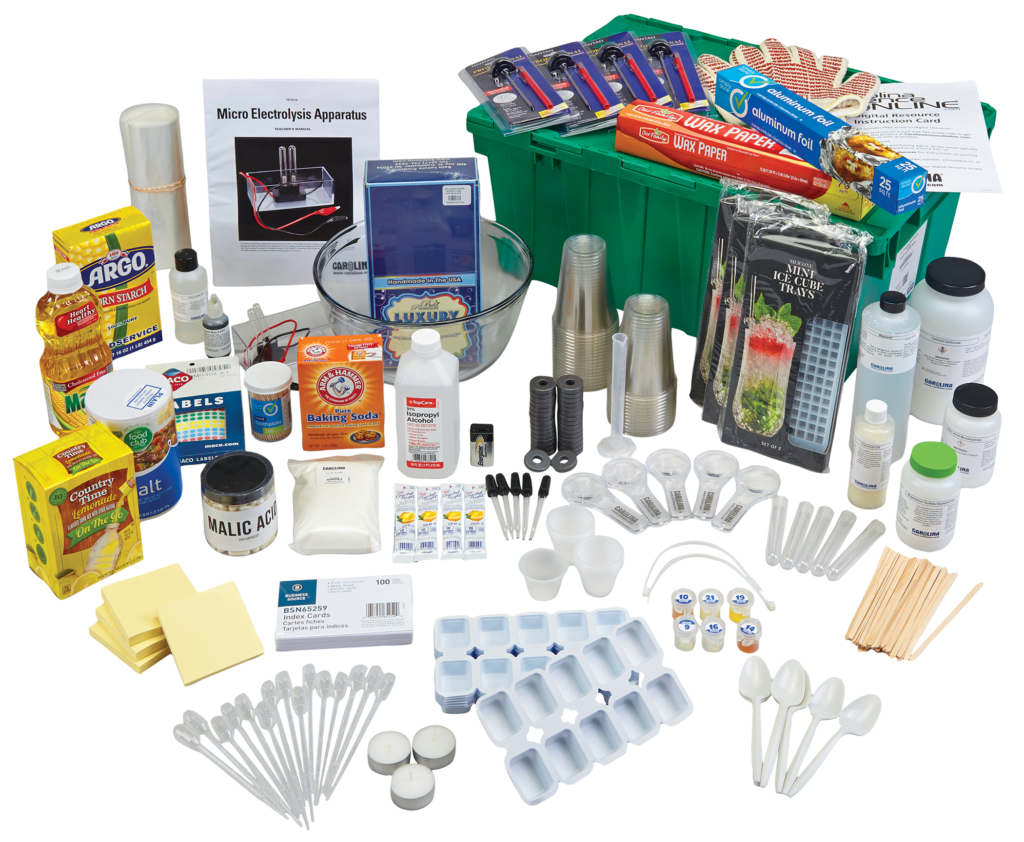
Missing some kit materials?
Order replacement items and consumables by one these methods:
- Redeem Refurbishment Vouchers Online
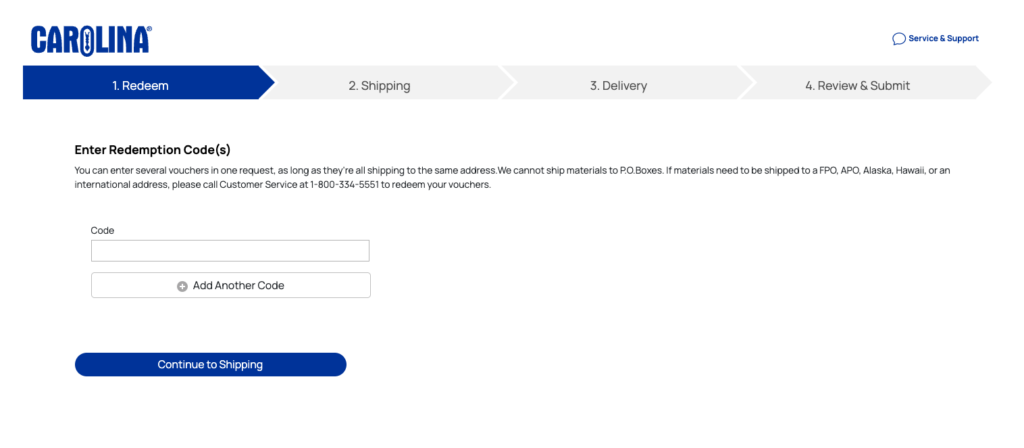
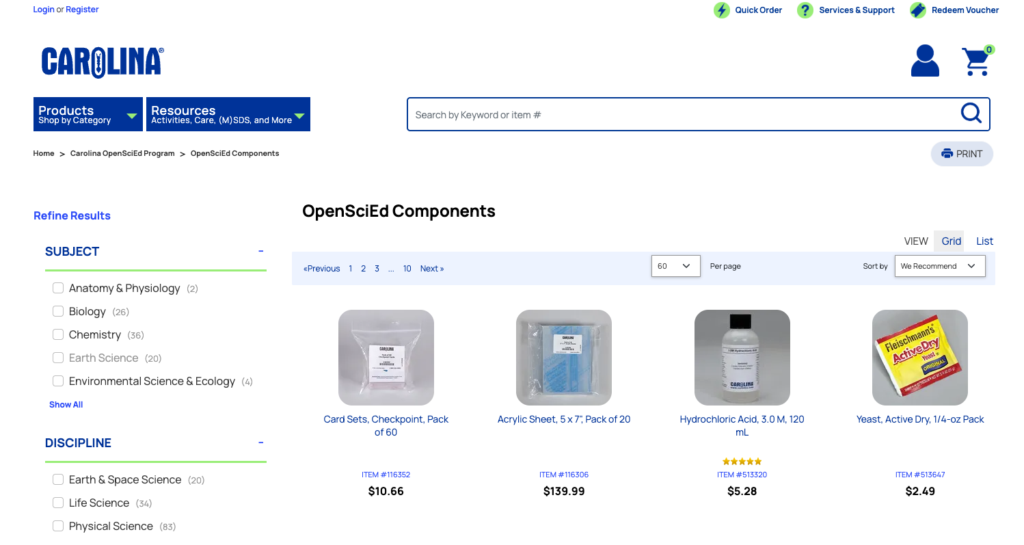
- Order Components Online
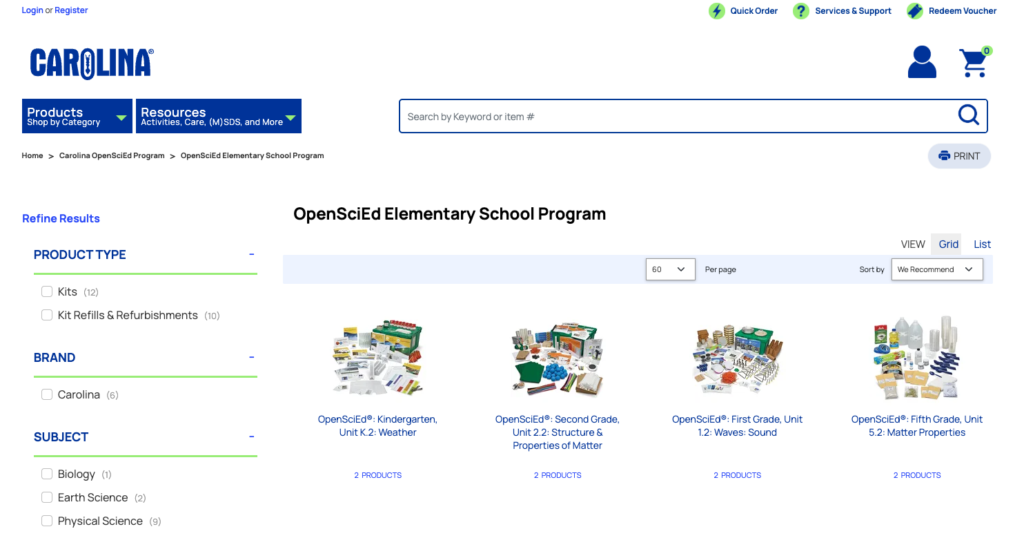
- Order Unit Refurbishment Sets That Contain All Consumable Materials
If you have purchased 5-class kits or refurbishments, you may have additional consumables and living materials order sheets available.
- Additional consumables would be located in a brown Carolina box.
- Living material order sheets are attached to the brown Carolina box in a clear adhesive envelope. If you cannot locate these sheets, our Customer Service department can help you.
STEP 2
Prepare for Your First Lesson
Follow these tips to be ready to hit the ground running teaching your first OpenSciEd unit lesson:
- Get familiar with program features
- Get familiar with Lesson 1 features
- View the Lesson 1 Teacher Resource Video.
- Review the lesson materials.
- Kit items
- Review the Needed-But-Not-Supplied lists by lesson, and inventory what you already have and what you need to gather.
- Look for Plan Ahead tips for materials you may need to prepare ahead of time. For example, do you need to plant seeds or order living materials?
- Order living materials 2 weeks ahead of time to ensure you receive them when you need them

STEP 3
Carolina Science Online (CSO)
CarolinaScienceOnline.com is Carolina’s eLearning platform with lots of features and digital resources. Here are some tips to help you prepare your student rosters and OpenSciEd content on CSO.
- Check out new digital resources you may now be able to access.
- Clean up, manage, and add additional available resources to your bookmarks for future assignments or in-class instruction.
- Create new assignments or use the reassign option for existing assignments
- Build your new student rosters using the CSO CSV student rostering template and send to cso_support@carolina.com, a Carolina eLearning Product Support Specialist will assist you.
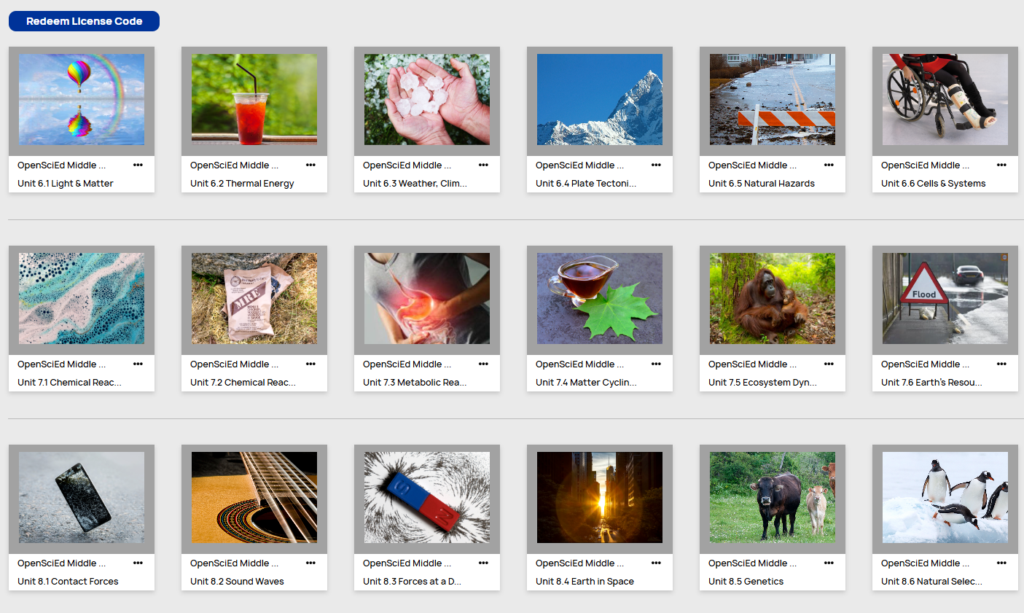
Login to you CSO account to review Lesson 1 digital resources and create your first assignment. If you’re not already on Carolina Science Online and would like to get started, contact cso_support@carolina.com, a Carolina eLearning Support Specialist will assist you.
Download a printable version of this checklist to use when you’re opening your classroom!